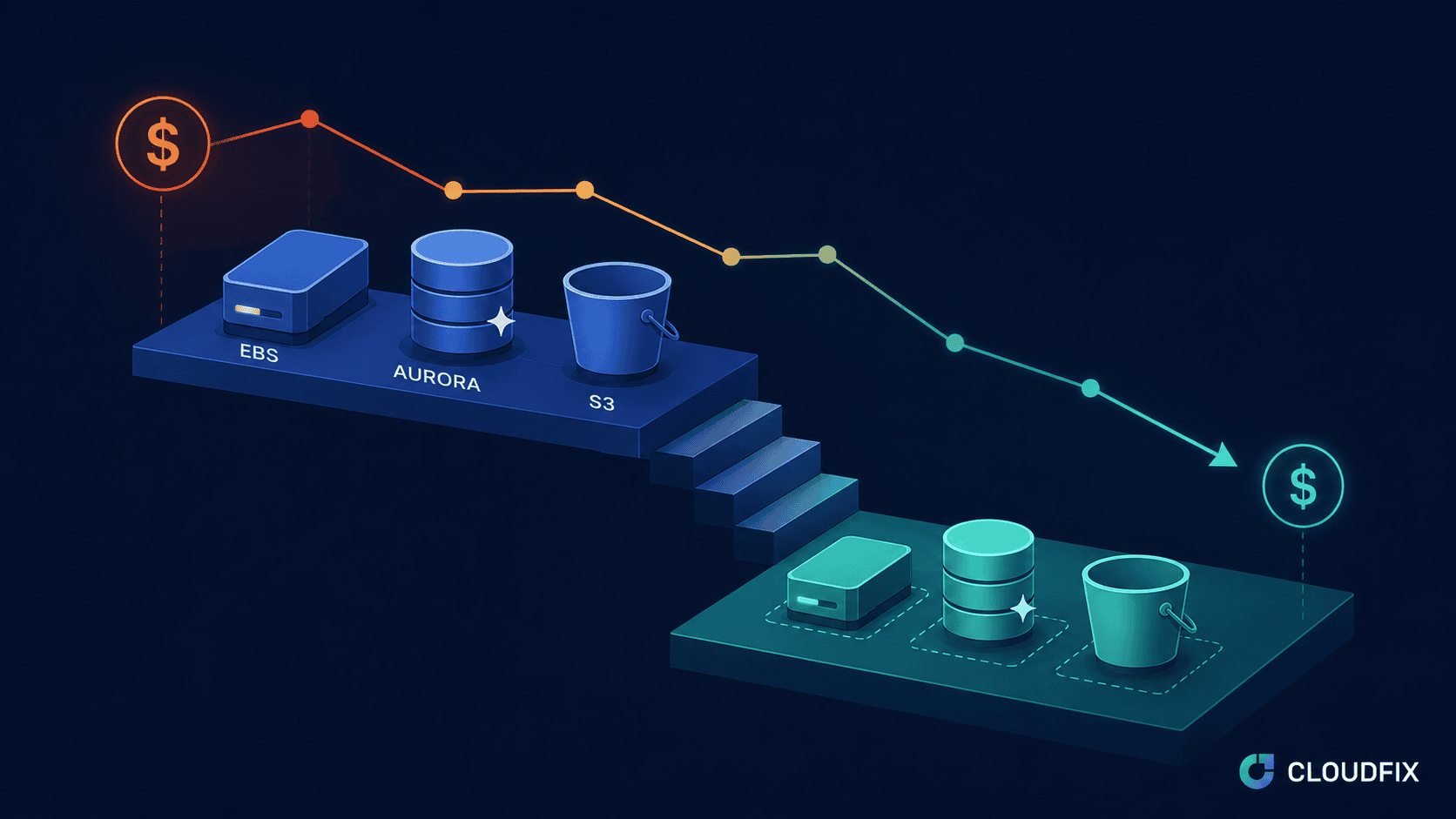
CloudFix Finder/Fixer: Delete EBS Volumes Attached to Long-Stopped EC2 Instances
CloudFix helps you identify and safely delete EBS volumes that are attached to EC2 instances that have been stopped for an extended period. This feature helps reduce storage costs while maintaining data safety through automatic snapshot creation.
Contents
- Overview
- AWS Services Affected
- How It Works
- Implementation Details
- Important Considerations
- Safety and Rollback
- Related Resources
Overview
Key Benefits
- Reduce storage costs by removing unnecessary volumes
- Automatic snapshot creation for data safety
- Easy rollback process if needed
- Compliance with AWS best practices
AWS Services Affected
 |
 |
| Amazon Elastic Block Store (EBS) | Amazon Elastic Compute Cloud (EC2) |
Dependencies
- AWS CloudWatch (for monitoring)
- AWS CloudTrail (for logging)
Service Limits
- Maximum number of concurrent volume deletions
- API rate limits for volume operations
- Snapshot storage limits
How It Works
Finder Component
- Identifies volumes attached to stopped instances
- Checks instance stop duration
- Calculates potential cost savings
- Verifies volume eligibility
Fixer Component
- Creates snapshots of selected volumes
- Detaches volumes from instances
- Deletes eligible volumes
- Records actions in CloudTrail
Implementation Details
The implementation process involves:
- Volume Analysis
- Identify target volumes
- Check instance status
- Verify dependencies
- Snapshot Creation
- Create volume snapshots
- Verify snapshot completion
- Tag snapshots appropriately
- Volume Cleanup
- Detach volumes
- Delete volumes
- Update metadata
Important Considerations
- Snapshot storage costs
- API rate limits
- Regional restrictions
- Recovery time objectives
Safety and Rollback
Safety Measures
- Automatic snapshot creation
- Volume metadata preservation
- CloudTrail logging
- Staged implementation
Rollback Process
- Create new volume from snapshot
- Attach volume to instance
- Verify data integrity
Related Resources
- CloudFix Blog: Reduce Costs by Removing EBS Volumes from Stopped Instances
- Support Article: Delete EBS Volumes from Stopped Instances
- AWS Documentation: Deleting an Amazon EBS Volume
- AWS Blog: Cost Optimization with EBS Volume Management
Ready to start saving on AWS? See how much you could cut from your cloud bill with a free cost optimization assessment, or explore CloudFix automated Finder/Fixers that eliminate waste across 30+ AWS services.
Related Articles
-
<
- AWS Cost Optimization: The Complete Guide to Lowering Your Cloud Bill (2026)
- AWS Cost Optimization Tools: The Complete Comparison Guide (2026)
- GP3 vs IO2: Up to 87% Cheaper — Real AWS Pricing Benchmarks (2026)
- GP2 vs GP3 AWS: 20% Cheaper, Faster IOPS — Full Cost Comparison
li>DynamoDB Standard-IA: Save 60% on Storage Costs (2026 Guide)