AWS Cost Optimization Tools Compared: 2026 Buyer’s Guide

AWS cost optimization isn’t a single tool — it’s a stack. Native AWS services give you visibility, third-party tools give you automation, and the gap between them is where most organizations waste 20-35% of their cloud spend.
We’ve analyzed over $2 billion in AWS spend and tested every major tool in the market. This guide covers the 15 tools that actually deliver savings, with honest assessments of what each one does well and where it falls short.
The Two Layers of AWS Cost Optimization
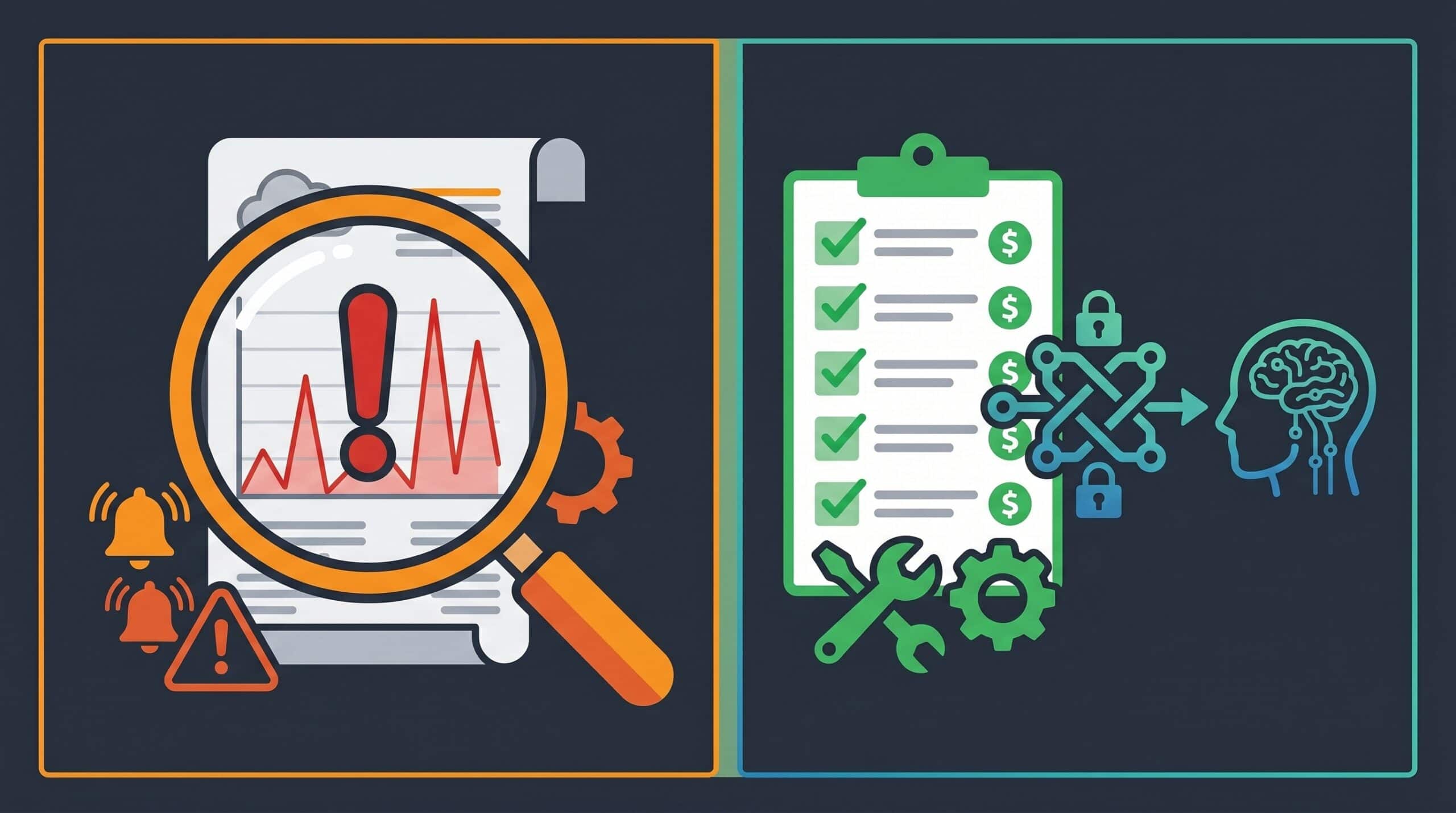
Before comparing tools, understand that AWS cost optimization happens at two levels:
- Visibility & Analysis: Tools that show you where money is going (Cost Explorer, CUR, dashboards). Essential but not sufficient — knowing you waste money doesn’t fix it.
- Execution & Automation: Tools that actually make changes (rightsizing, deleting idle resources, optimizing reservations). This is where the savings happen.
Most organizations have layer 1 covered. Very few have layer 2 automated. That’s the 20-35% gap.
5 Native AWS Cost Optimization Tools
AWS provides several built-in tools at no additional cost. They’re a good starting point but have significant limitations for production use.
1. AWS Cost Explorer
What it does: Visualizes your AWS spending over time with filtering by service, account, tag, and region. Includes Resource Optimization recommendations for EC2 right-sizing.
Limitations: Recommendations don’t equal savings. Cost Explorer suggests downsizing instances based on utilization, but it doesn’t execute the changes, doesn’t account for multi-AZ deployments, and its recommendations often overlook storage and network optimizations. We covered this gap in detail in our AWS Cost Explorer Resource Optimization guide.
Cost: Free (included with AWS)
Best for: Basic spend visibility and trend analysis
2. AWS Cost Optimization Hub
What it does: Centralizes cost optimization recommendations across all AWS accounts in your organization. Aggregates findings from Compute Optimizer, Trusted Advisor, and other sources.
Limitations: Still recommendation-only — you need to manually implement each suggestion. No automated remediation. Limited to AWS-native services.
Cost: Free
Best for: Multi-account organizations needing a single view of optimization opportunities
3. AWS Trusted Advisor
What it does: Provides best-practice checks across cost optimization, performance, security, and fault tolerance. Identifies idle resources, unassociated Elastic IPs, and underutilized EBS volumes.
Limitations: The free tier gives you only 7 core checks. Full access requires Business or Enterprise Support ($100+/month). Even with full access, Trusted Advisor identifies problems but doesn’t fix them. We compared this in depth in our CloudFix vs AWS Trusted Advisor analysis.
Cost: Free tier (7 checks) or included with Business/Enterprise Support
Best for: High-level health checks alongside security and performance audits
4. AWS Compute Optimizer
What it does: Uses machine learning to analyze utilization patterns and recommend optimal EC2 instance types, Lambda memory configurations, and EBS volume types.
Limitations: Requires 30+ days of CloudWatch data. Only covers EC2, Lambda, EBS, and ECS (Fargate). Doesn’t touch RDS, Aurora, OpenSearch, MQ, or any managed service.
Cost: Free for basic recommendations; enhanced recommendations require active CloudWatch Application Insights
Best for: EC2-heavy workloads with consistent utilization patterns
5. AWS Cost and Usage Report (CUR)
What it does: The most granular cost data available. Delivers hourly cost data to S3 with full resource-level detail, including tags, accounts, and usage types.
Limitations: Raw data — requires Athena, Redshift, or QuickSight to analyze. Not a tool for non-technical users. Our CUR setup guide walks through the architecture.
Cost: Free (standard S3 charges apply)
Best for: Building custom cost dashboards and analysis pipelines
10 Third-Party AWS Cost Optimization Tools
Third-party tools fill the execution gap that native AWS tools leave open. Here are the ones worth evaluating, organized by primary function.
Automation & Execution
6. CloudFix
What it does: Automatically finds and fixes AWS waste across 30+ services using Finder/Fixer patterns. 110+ finders covering EC2 rightsizing, EBS migration (GP2→GP3, IO1→GP3), idle resource deletion (RDS, OpenSearch, SageMaker, EFS, Lambda), storage optimization, and more. Executes changes automatically with safety controls.
Key differentiator: Execution, not just recommendations. CloudFix actually implements the fixes — down to the API call — during maintenance windows with rollback capability. Covers managed services (RDS, Aurora, MQ, ElastiCache) that most tools ignore.
Limitations: AWS-only. No multi-cloud support. Best suited for organizations with $50K+/month AWS spend where automated execution matters.
Cost: Free tier available; paid plans based on savings delivered
Best for: Organizations that want to automate cost optimization rather than manually implementing recommendations
7. ProsperOps (now Flexera)
What it does: Specializes in EC2 Reserved Instance and Savings Plans optimization. Uses algorithmic purchasing to maximize discount coverage while maintaining flexibility.
Key differentiator: Deep expertise in commitment-based savings. Automatically manages your RI/SP portfolio to maximize coverage without over-committing.
Limitations: Focused primarily on compute commitment optimization. Doesn’t address rightsizing, idle resources, or storage optimization. See our RightSpend vs ProsperOps comparison for the independent EC2 discount angle.
Cost: Percentage of savings
Best for: Organizations with significant EC2/Spend Plan commitments wanting to maximize discount utilization
Visibility & Analytics
8. CloudHealth (VMware/Broadcom)
What it does: Multi-cloud cost management platform with policy-based governance, budget management, and showback/chargeback reporting.
Key differentiator: Strong enterprise governance features with policy automation and organizational hierarchy support.
Limitations: Expensive. Heavy on reporting, light on automated execution. Recent Broadcom acquisition has raised concerns about pricing and support quality.
Cost: Enterprise pricing (typically $50K+/year)
Best for: Large enterprises needing multi-cloud governance and reporting
9. CAST.ai
What it does: Multi-cloud cost optimization with automated rightsizing, spot instance management, and container cost allocation.
Key differentiator: Strong Kubernetes/container cost optimization. Good for organizations running EKS/GKE/AKS workloads.
Limitations: Multi-cloud focus means less depth on AWS-specific services. Limited coverage of managed services like RDS, Aurora, MQ.
Cost: Starts at $500/month; percentage of savings for premium tiers
Best for: Kubernetes-heavy workloads needing multi-cloud cost optimization
10. Spot.io (NetApp)
What it does: Focuses on spot/preemptible instance management and automated compute optimization. Elastigroup technology maintains workload availability while maximizing spot usage.
Key differentiator: Best-in-class spot instance orchestration. Can run production workloads on spot with reliable failover.
Limitations: Narrow focus on compute purchasing strategy. Doesn’t help with storage, database, networking, or idle resource optimization.
Cost: Starts at $0.025/vCPU-hour for spot, $0.055/vCPU-hour for on-demand
Best for: Organizations wanting to maximize spot instance usage for stateless workloads
11. nOps
What it does: AWS cost optimization with automated rightsizing, unused resource cleanup, and Savings Plans management. Includes change management integration.
Key differentiator: Strong integration with infrastructure-as-code and change management workflows.
Limitations: AWS-only. Savings-sharing model means costs scale with your infrastructure size.
Cost: ShareSave model (percentage of verified savings)
Best for: Mid-market AWS-focused organizations wanting automated savings with IaC integration
12. Flexera One
What it does: Enterprise IT management platform covering SaaS optimization, cloud cost management, and hardware asset management in addition to AWS cost optimization.
Key differentiator: Comprehensive IT asset management beyond just cloud — handles SaaS, on-premises, and multi-cloud in one platform.
Limitations: Jack of all trades, master of none. Complex deployment. Not focused on automated execution of AWS-specific optimizations.
Cost: Enterprise pricing
Best for: Large enterprises needing holistic IT spend management
Open Source
13. Cloud Custodian
What it does: Policy-as-code engine for AWS governance. Define rules in YAML to tag, notify, or act on resources based on age, usage, configuration, or tags.
Best for: Engineering teams comfortable with policy-as-code who want full control over optimization logic.
14. Infracost
What it does: Shows cost estimates before infrastructure changes are deployed. Integrates with Terraform, Terragrunt, and CloudFormation to provide pull request cost estimates.
Best for: Teams using infrastructure-as-code who want to catch cost increases before they reach production.
15. Kubecost
What it does: Kubernetes cost monitoring and optimization. Provides per-pod, per-namespace, and per-team cost allocation for EKS workloads.
Best for: Organizations running EKS who need granular container-level cost visibility.
Comparison Table
| Tool | Type | Execution | AWS Services | Multi-Cloud | Free Tier |
|---|---|---|---|---|---|
| AWS Cost Explorer | Native | Recommendations only | EC2, Lambda | No | Yes |
| AWS Cost Opt Hub | Native | Recommendations only | 10+ services | No | Yes |
| AWS Trusted Advisor | Native | Recommendations only | Broad | No | Limited |
| Compute Optimizer | Native | Recommendations only | EC2, EBS, Lambda | No | Yes |
| CloudFix | Third-party | Automated fixes | 30+ services | No (AWS-only) | Yes |
| ProsperOps | Third-party | Automated (RI/SP) | EC2 | No | No |
| CloudHealth | Third-party | Limited | Broad | Yes | No |
| CAST.ai | Third-party | Automated | Compute, K8s | Yes | Yes |
| Spot.io | Third-party | Automated (spot) | EC2 | Yes | Yes |
| nOps | Third-party | Automated | Broad | No | No |
| Flexera One | Third-party | Reporting | Broad | Yes | No |
| Cloud Custodian | Open source | Policy-based | Broad | Yes | Yes |
| Infracost | Open source | Pre-deploy | IaC | Yes | Yes |
| Kubecost | Open source | Visibility | EKS/K8s | Yes | Yes |
How to Choose the Right Tool
The right tool depends on where you are in your cost optimization journey:
Stage 1: Getting Started ($5K-50K/month AWS spend)
Start with native AWS tools. Set up Cost and Usage Reports, use Cost Explorer for visibility, and enable Trusted Advisor checks. This gets you 5-10% savings through manual effort.
Stage 2: Scaling Optimization ($50K-500K/month)
Native tools can’t keep up. You need automation. Add an execution tool like CloudFix for automated Finder/Fixer patterns across 30+ services. Supplement with Compute Optimizer for EC2 right-sizing and ProsperOps for RI/SP optimization.
Stage 3: Enterprise Optimization ($500K+/month)
Full cost optimization stack: execution tool (CloudFix) for ongoing waste elimination, commitment optimizer (ProsperOps) for RI/SP management, governance platform (CloudHealth/Flexera) for policy and reporting, and IaC cost control (Infracost) for preventing future waste.
FAQ
How do you optimize costs in AWS?
AWS cost optimization involves five key strategies: right-sizing instances to match actual utilization, deleting idle and unused resources, migrating to newer cost-effective services (like GP3 volumes), optimizing Reserved Instances and Savings Plans, and implementing automated cost governance. Use AWS Cost Explorer for visibility, then automate execution with tools like CloudFix.
Which AWS service provides cost optimization recommendations?
AWS provides recommendations through several services: AWS Trusted Advisor offers best-practice checks, AWS Compute Optimizer provides ML-based right-sizing recommendations, and AWS Cost Optimization Hub aggregates recommendations across accounts. However, all of these only provide recommendations — they don’t execute the changes. For automated execution, third-party tools are needed.
What is the difference between AWS Cost Explorer and Cost Optimization Hub?
AWS Cost Explorer focuses on spend visualization and trend analysis across time periods. Cost Optimization Hub, launched later, aggregates actionable recommendations from multiple AWS services (Compute Optimizer, Trusted Advisor) into a single dashboard. Cost Explorer shows you what you spent; Cost Optimization Hub tells you what you could save.
Are there free AWS cost optimization tools?
Yes. AWS provides several free tools: Cost Explorer, Cost Optimization Hub, Compute Optimizer (basic tier), and Trusted Advisor (limited to 7 checks without Business/Enterprise Support). Among third-party tools, CloudFix offers a free tier, and open-source options like Cloud Custodian and Infracost are completely free.
What is AWS Cost Optimization Hub pricing?
AWS Cost Optimization Hub is free to use. There are no additional charges beyond the standard AWS services it monitors. However, implementing the recommendations may require engineering time or third-party automation tools.
The Bottom Line
The biggest mistake organizations make with AWS cost optimization is confusing visibility with action. Cost Explorer, dashboards, and reports tell you where the waste is — but they don’t eliminate it. The 20-35% savings gap exists between knowing about waste and actually fixing it.
The most effective approach combines native AWS tools for visibility with an execution tool for automated remediation. Start with the free tools, measure your waste, then automate the fixes. Get a free assessment to see how much you could save with automated cost optimization.