How to Know If Your AWS Cost Tool Is Any Good


Everyone’s buying AWS cost tools (I wish). In any case, few ask if they’re any good.
Nate B. Jones made a point this week: AI has made app teams 10x faster. Nobody gave the platform team 10x the headcount. FinOps teams end up with dashboards that tell them they’re overspending but don’t actually fix anything.
Five questions to ask
1. Does it find waste you didn’t know about?
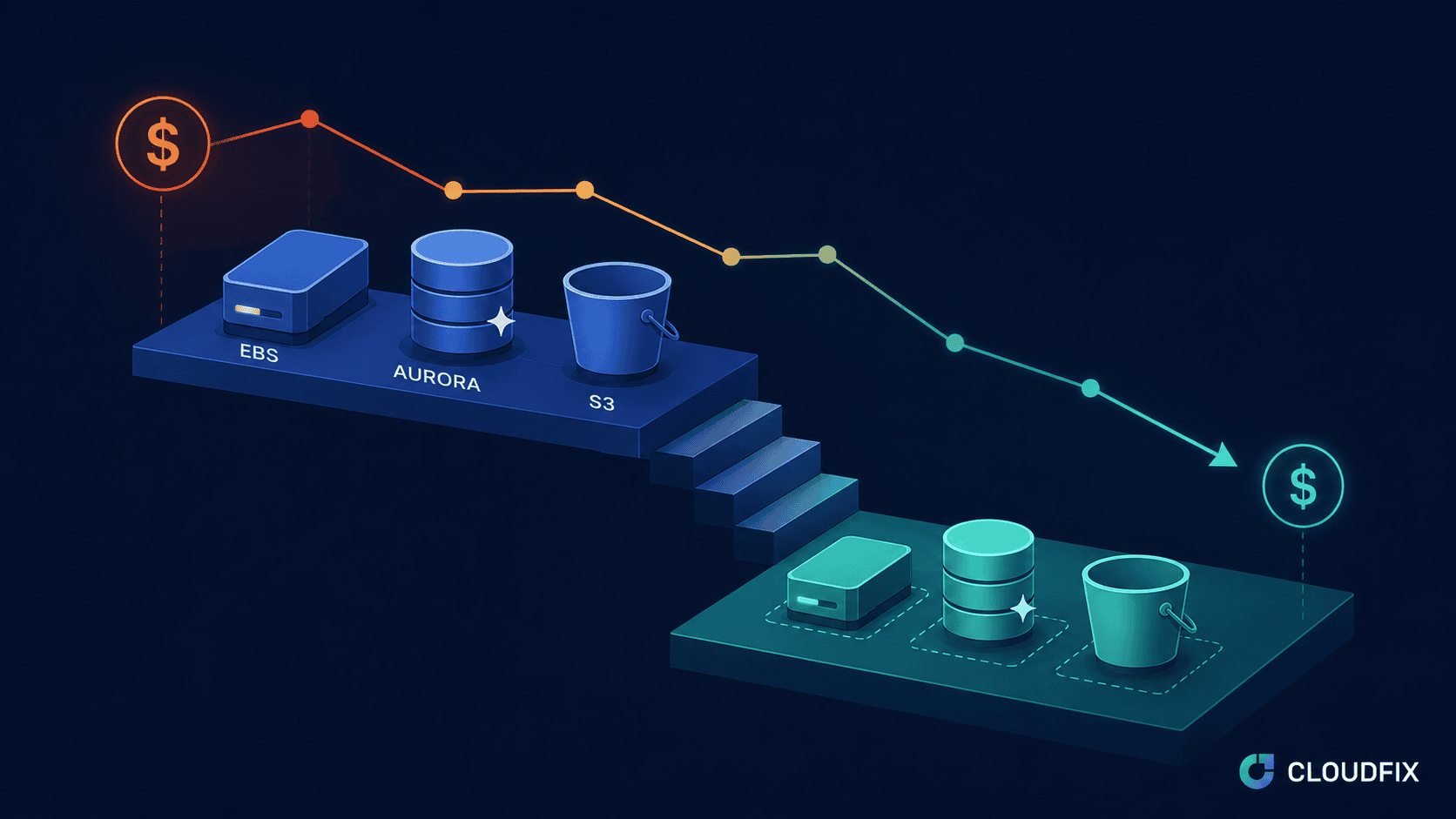
Most cost tools confirm what you already suspect. A good one surfaces things you missed. Idle resources. Wrong storage tiers. Outdated instance types. CloudFix runs 78 automated finders. Customers are consistently surprised by what turns up.
2. Does it generate a fix, or just an alert?
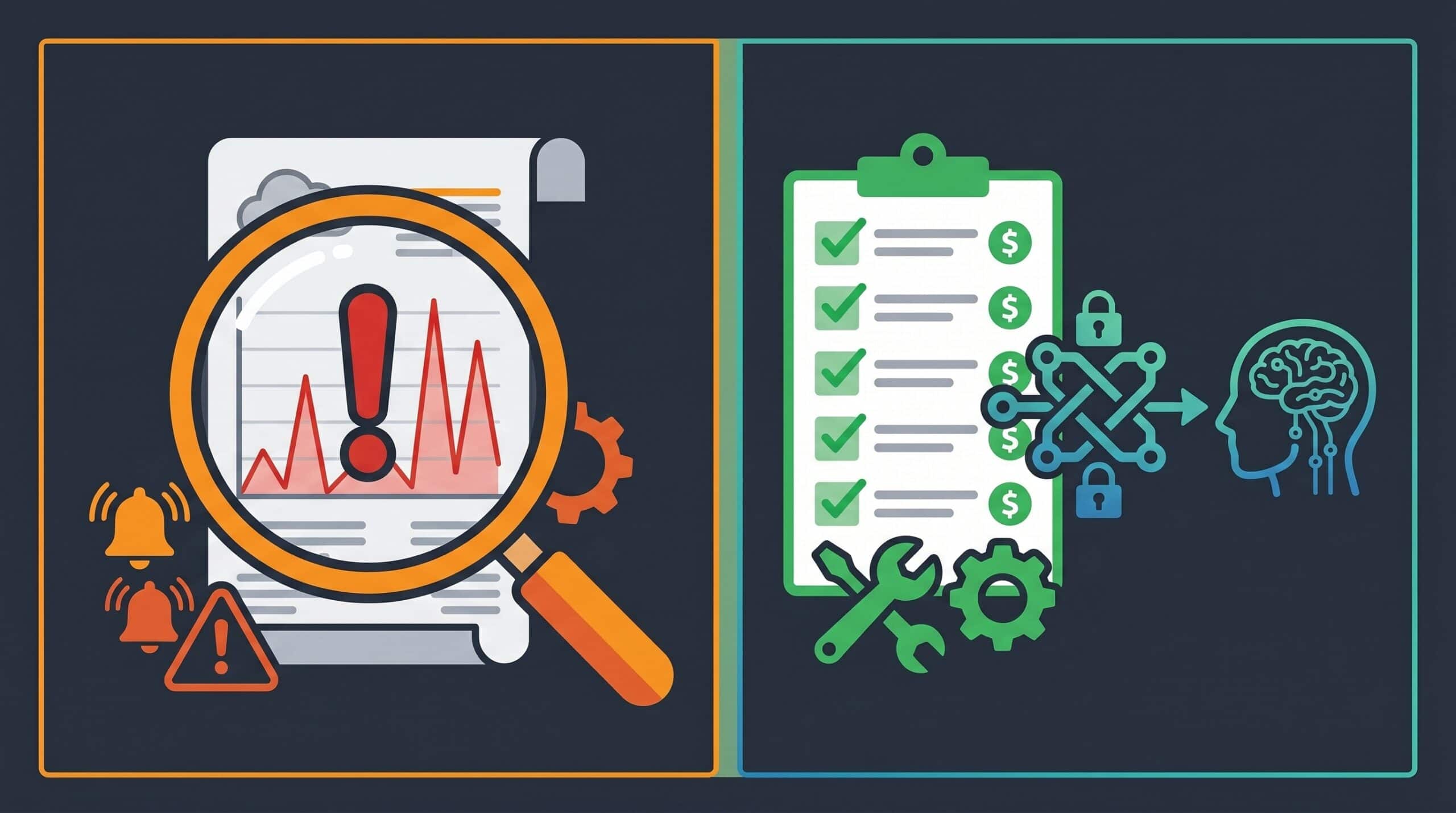
“You have 47 idle EBS volumes” is not helpful. What’s helpful is the specific change to make, ready for your team to review and approve. CloudFix fixers do exactly that. Not recommendations. Actual fixes.
3. Can your agents reach it?
This is the new question. App teams have AI agents. Those agents need to query cost data without a human opening a console. We shipped an MCP server for CloudFix. Five tools, read-only, any AI agent can call it directly. Ask “what’s wasting money?” and get back specific recommendations with savings estimates. No browser, no CSV export, no middleman.
As Nate Jones put it: agents are useless if they can’t reach the work.
4. Does it respect risk levels?
Changing an S3 storage tier is not the same as modifying a production database. Your tool should know the difference and require appropriate approvals. Not everything needs a human in the loop. But some things absolutely do.
5. Does it keep up with AWS?
AWS releases new services, pricing models, and best practices constantly. A static tool falls behind fast. CloudFix finders get updated as AWS changes things. The library grows. The fixes improve based on what actually works.
The bottom line
Your AWS cost tool should find waste you missed, generate specific fixes, let agents reach the data directly, respect risk, and keep up with AWS. If it does less than that, it’s Cost Explorer with a nicer UI.
We’ve analyzed $2B in AWS spend with CloudFix. The waste is always there. The question is whether your tools find it, fix it, and let your agents reach it.
CloudFix answers these questions
30 day free trial